Path lists
Get the list of paths without copying the files.
ProCopying is available in the free edition. Saving as a file is available in the Pro edition.
Copy to the clipboard
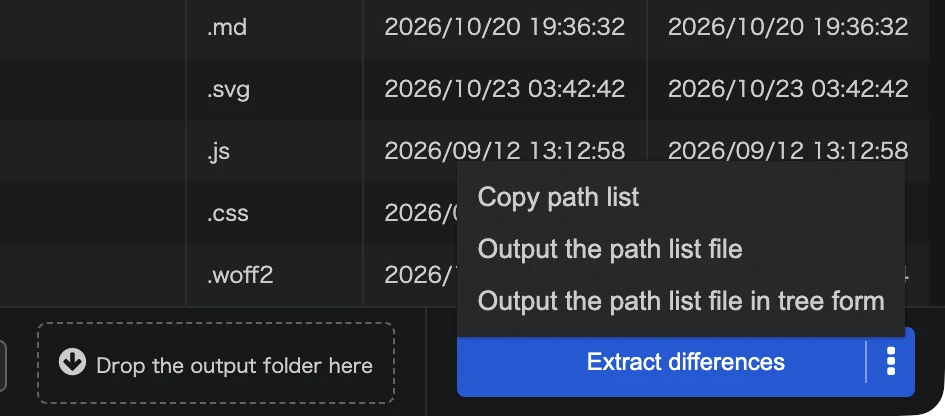
Open the menu next to Extract differences and choose Copy path list. One path per line, relative to the reference folder, is copied.
Save as a text file
Choose Output the path list file. The file is named filelist.txt at first, and has one path per line.
Save as a tree
Choose Output the path list file in tree form to save the paths as a folder tree.